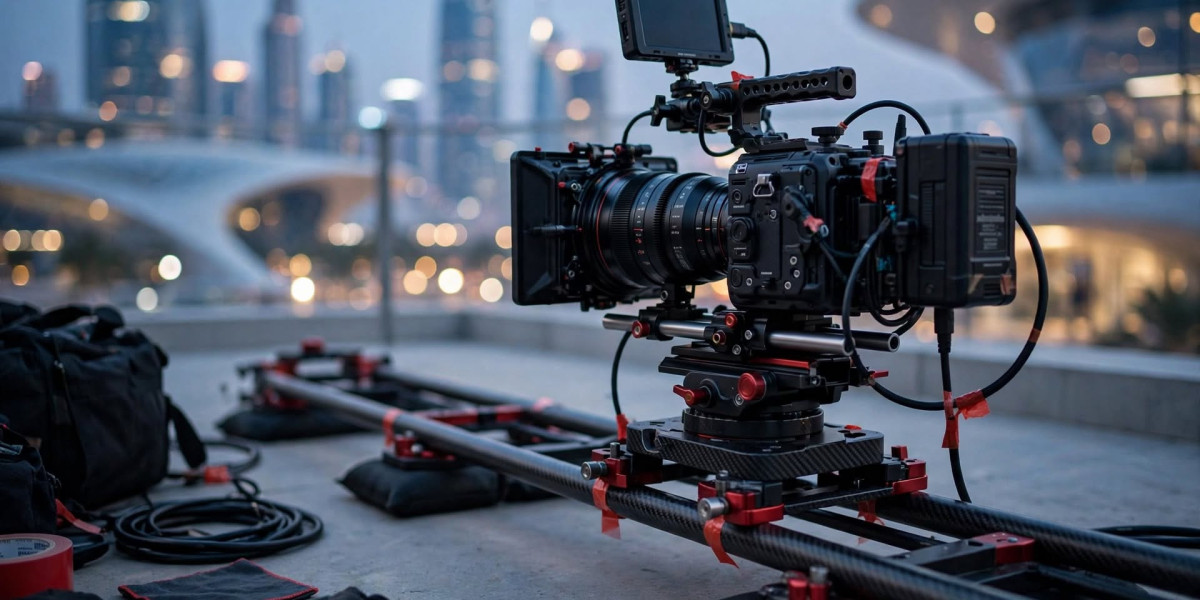

Customers often want to understand how a product works before making a purchase decision. A well produced demonstration can show important features, explain practical benefits, and answer common questions in a format that is easy to follow. A video production company in Dubai can help businesses plan these demonstrations around customer needs, product accuracy, and suitable distribution channels. The aim should be to provide useful information rather than simply make the product look attractive. When viewers can see how a product works and understand its limitations, they can make better-informed decisions and develop more realistic expectations.
2. Understand the Questions Customers Ask
Before filming a product demonstration, identify the questions customers commonly ask. Sales teams, customer support staff, product reviews, and website search data can reveal areas where people need more information.
For example, customers buying a kitchen appliance may want to know how to operate it, clean it, and select the correct settings. A business purchasing software may need to understand account setup, reporting features, and integration requirements.
A useful demonstration answers these questions in a logical order. Start with the product's purpose, introduce the essential features, and show the steps required to use them.
Avoid including every available feature if doing so makes the video difficult to follow. Separate demonstrations may be more useful when a product serves different audiences or supports several distinct tasks.
The production brief should identify the most important questions and establish what viewers should be able to understand after watching.
3. Demonstrate Features Through Real Examples
A product demonstration becomes more useful when it shows a feature solving a practical problem. Instead of simply naming a function, explain when a customer might use it and what the function actually does.
For example, a project management platform could show a user creating a task, assigning a deadline, and checking progress. The demonstration makes the workflow visible and helps viewers understand how the software supports everyday work.
Physical products benefit from similarly practical scenes. A manufacturer might show how a device is assembled, how its controls operate, or how it performs under specified conditions.
Claims should be supported by accurate demonstrations and reliable information. Businesses should not imply that a product has capabilities that have not been verified.
Close-up footage, clear narration, screen recordings, and suitable graphics can help explain details that might otherwise be missed. The production team should also ensure that viewers can distinguish essential steps from optional features.
4. Use Animation When Physical Demonstration Is Limited
Some product features cannot easily be shown through ordinary filming. Internal components may be hidden, software processes may happen in the background, and proposed products may not yet exist as physical models.
Animation can help explain these situations. Two-dimensional graphics can clarify steps and relationships, while three-dimensional visuals can reveal internal structures or demonstrate how separate components interact.
For example, a manufacturer could combine real footage of a machine with an animated cutaway showing its internal mechanism. This approach preserves the connection to the real product while making hidden details easier to understand.
The animation must remain consistent with the actual design and operation. Businesses should provide technical drawings, reference photographs, and approved specifications before detailed modelling begins.
It is also important to use animation only where it improves understanding. If a simple close-up shot explains a feature adequately, additional modelling may not be necessary.
The right combination of live footage and animation depends on the complexity of the product and the questions customers need answered.
5. Make the Video Accessible and Easy to Follow
Customers may watch demonstrations on different devices, in different environments, and with different levels of technical knowledge. The presentation should accommodate these conditions.
Use clear narration, readable text, suitable pacing, and consistent visual styling. Captions help viewers who cannot use sound, while screen recordings should make important interface elements large enough to see.
A step-by-step structure is particularly helpful for instructional content. Numbered stages, visual highlights, and short pauses can help viewers follow a process without repeatedly searching for the relevant information.
Businesses should test the video on phones, tablets, and desktop screens when these devices are part of the intended audience's viewing habits.
A demonstration should also provide a clear next step. Depending on the purpose, viewers might visit a product page, consult a setup guide, contact a support team, or request further information.
Avoid adding unnecessary promotional messages that interrupt the practical explanation. Useful content should remain the main priority.
6. Review Results and Keep Product Information Updated
After publication, businesses should examine how viewers use the demonstration. Relevant measures may include viewing duration, completion rates, clicks to product pages, support requests, and customer feedback.
If viewers repeatedly stop before reaching an important instruction, the introduction may be too long. If the same questions continue appearing in customer support, the demonstration may need a clearer explanation or a separate tutorial.
Product videos should also be reviewed whenever important features, interfaces, safety instructions, or specifications change. Outdated demonstrations can confuse customers and create avoidable support problems.
A central record of approved scripts, graphics, and source files can make updates easier. Businesses should confirm file ownership, licensing, and revision arrangements before production begins.
Regular reviews help ensure that product content remains accurate and useful instead of becoming an outdated marketing asset.
7. Conclusion
Product demonstration videos can help customers understand features, follow processes, and evaluate whether a product meets their needs. Strong results depend on identifying common questions, showing practical examples, maintaining factual accuracy, and making the presentation easy to follow. Animation can provide additional clarity when physical filming cannot explain hidden or complex features.
Businesses evaluating animation video production services should look for examples relevant to their products and discuss the technical information required for accurate visualisation. A clear, brief and structured review process can reduce revisions and improve the finished demonstration.
FAQs
What should a product demonstration include?
It should explain the product's purpose, show important features, demonstrate relevant tasks, and answer common customer questions.
Can animation and live-action footage be combined?
Yes. Live action can show the real product, while animation can explain internal components or processes that are difficult to film.
How long should a product video be?
It should be long enough to explain the intended task without unnecessary repetition. Complex products may require several focused videos.
When should a product demonstration be updated?
Update it when important features, instructions, specifications, interfaces, or safety information change.










