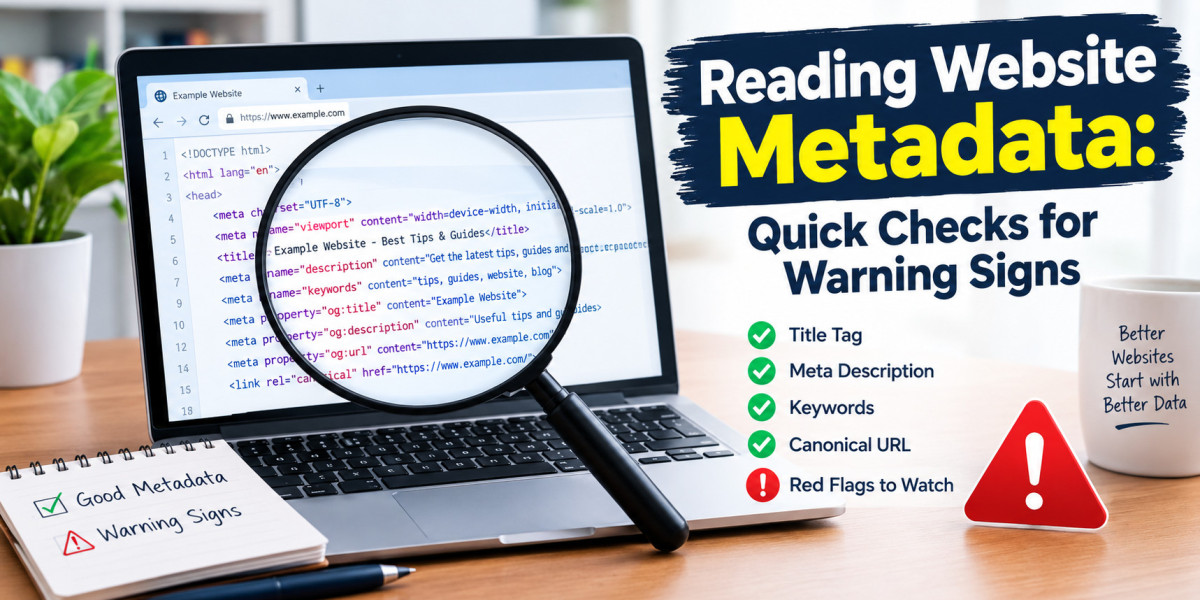

You can learn a lot about a website without reading a single paragraph. Dates, author names, policies, and small technical details reveal how carefully a site is run. These clues are easy to find, and they take only a few minutes to check. This guide shows you which details to look for and what they can tell you about a site's reliability.
What metadata means
Metadata is information about a page rather than the content itself. It includes the publication date, the last modified date, the author name, the page title, and the description that appears in search results. Some of it is visible on the page. Some sits in the page source or in search listings. Together, these details form a quiet record of how the page was created and maintained.
Why small details matter
Careful publishers keep their details consistent. They date their posts, credit their authors, and update their pages when something changes. Careless publishers often skip these steps. A single missing date means little. A pattern of missing, mismatched, or odd details suggests loose maintenance. That pattern can warn you to double-check the content before you trust it.
Check 1: Publication dates
Start with the date on each article. Is it visible and clear? Dates tell you whether advice is still current. This matters for business rules, legal guidance, health information, and technology tips, all of which change over time. If an article shows no date, you cannot judge its age. Treat undated pages with caution, especially on fast-moving topics.
Check 2: Modified dates
Next, look for an updated or modified date. Good publishers revise old posts when facts change. A recent modified date can be a positive sign. However, compare it with the post date. If a page claims a modification date that does not fit the posts, something may be off. Large gaps or confusing dates can mean the site is managed casually.
Check 3: Author names
Compare the visible byline with the author in the page details when you can. Do they match? A mismatch can mean that a template, a plugin, or a different account handled the posting. It can also mean that articles are published under borrowed names. Either way, it reduces your ability to hold anyone accountable. Look for author pages, bios, and consistent names across posts.
Check 4: Page structure
Look at how the site is organized. Are About, Privacy, and Terms pages easy to find? Does the footer list working links? Is there a cookie notice that explains how data is used? Serious publishers make these items visible because they protect both the reader and the owner. If you cannot find them, you lose basic information about who runs the site and how your data is handled.
Check 5: Contact details
Examine how the site lets you reach it. A contact form, a business address, or a support team suggest accountability. A single personal-looking email in the footer offers less. It makes it harder to report errors, ask questions, or understand who is responsible. Sites that want to be reached usually make it easy.
Check 6: Consistency across posts
Browse several articles and compare them. Do they use similar formatting, similar tone, and similar quality? Sudden changes can point to many writers, copied content, or automated publishing. Consistency is not a guarantee of quality. Still, wild variation in style and care can be a clue to how the site operates.
A real example
These quirks appeared in the review of SOSO Active. The page metadata showed a September 2026 modification date, yet posts carried October dates. Some articles showed no visible date at all. A "written by" name in the metadata also differed from the bylines. None of this proves bad intent. The site publishes fresh posts, sells nothing, and works as a normal blog. Together, though, the quirks point to casual upkeep, which is one more reason to treat the site as a light read rather than an authority.
How to weigh what you find
Do not overreact to a single oddity. Websites break, plugins misbehave, and small teams make mistakes. Instead, look for patterns. Several issues at once, especially on sites that cover health, law, or finance, should raise your caution. A site with consistent dates, named authors, visible policies, and working contact details earns more trust, even if it is small.
What to do with a weak signal
When the signals look weak, change how you read. Treat the content as general information. Check key facts with official or expert sources. Avoid sharing personal data. And do not use the site as the only basis for a medical, legal, or financial decision. These steps cost almost nothing, yet they remove most of the risk.
A quick screening list
Use this list whenever you meet a new site:
- Are dates clear and consistent?
- Do author names match across the page?
- Are policies visible and working?
- Is there real contact information?
- Do the articles look consistent in quality?
Five quick answers will tell you whether to keep reading or move on.
Final thoughts
Metadata and small details will not tell you everything, but they tell you a great deal in very little time. Build the habit of checking them, and you will spot careless sites quickly. You will also learn to appreciate publishers who keep their pages clean, dated, and accountable. For more reviews built on checks like these, visit Magazines Insights. Small details often tell big stories.